What Graph connects
Suppose you are preparing a country payments review. You can open a market in Atlas, inspect its payment methods, follow the scheme connections and check the sources. That works well for a single investigation. If you repeat it for twenty countries, or want an assistant to help you investigate, the same information needs to be accessible without copying values between browser tabs.
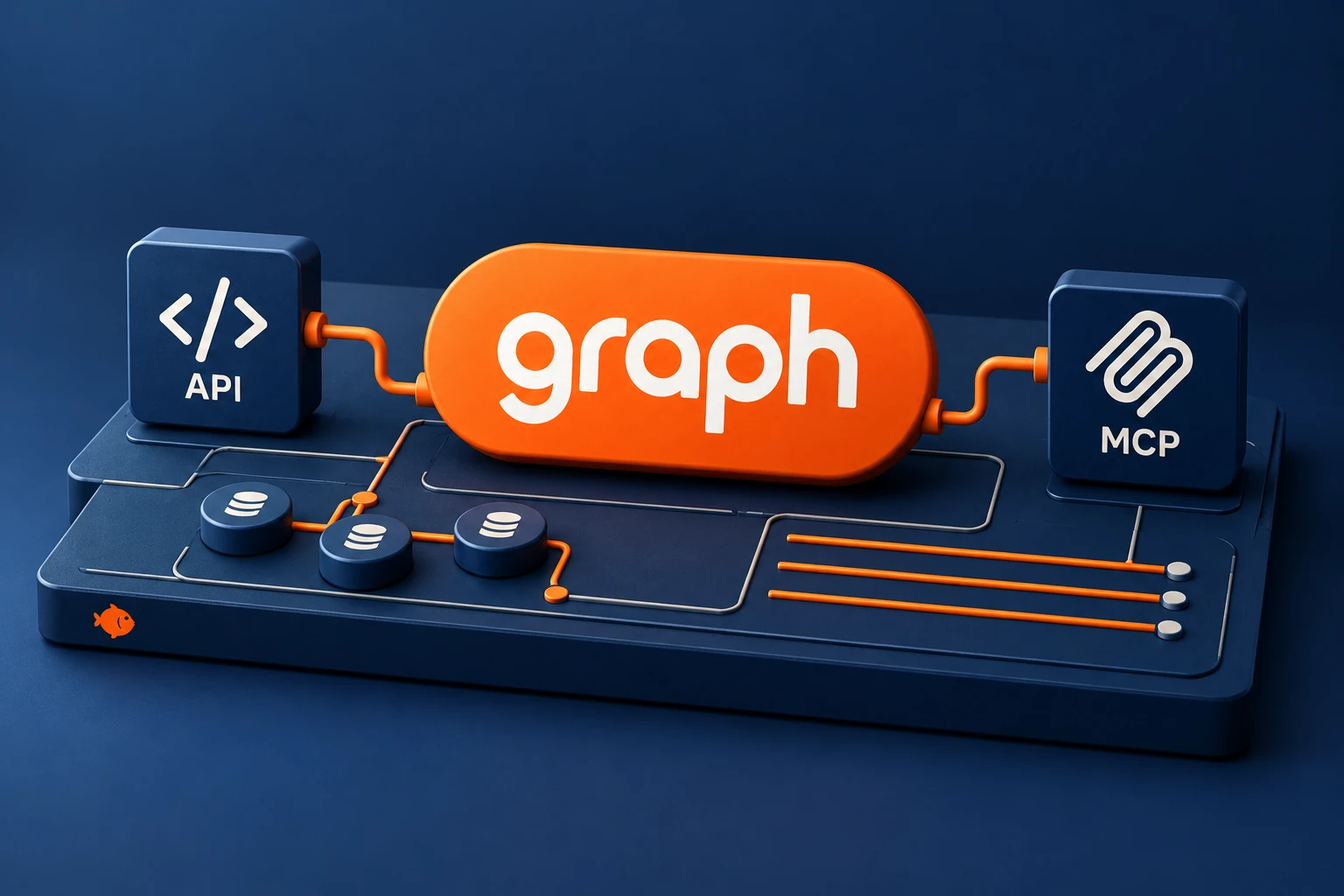
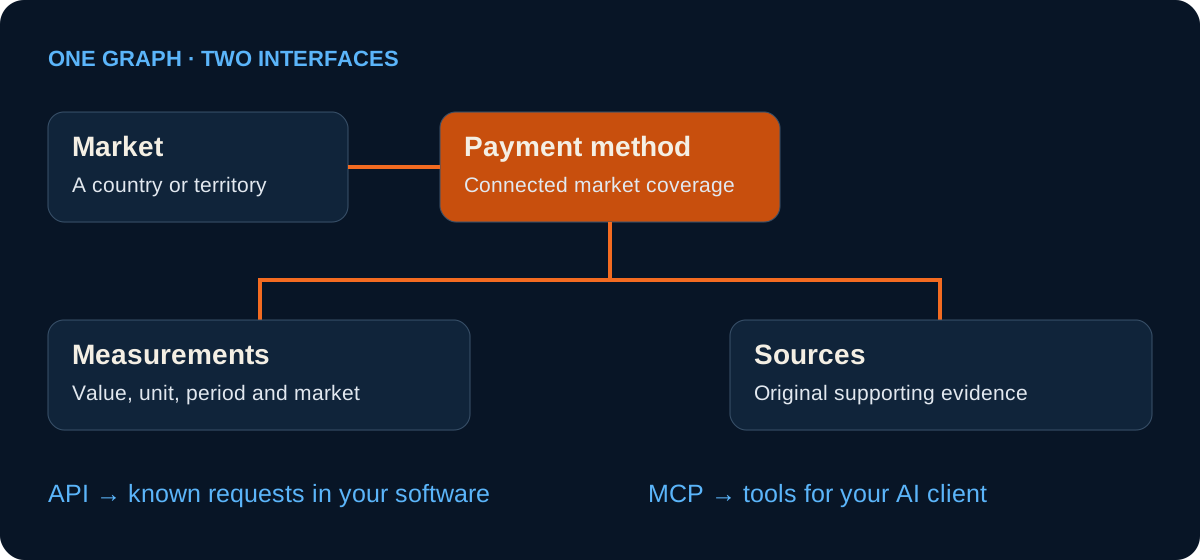
Graph gives software and AI tools access to those published records. A market, payment method, bank or card product retains its own identity; relationships describe how records connect; measurements add values with their scope and period; source references point to the evidence. Graph is the name for this connected access layer. API and MCP are its two interfaces.
The distinction matters when a lookup becomes a workflow. You can find a record by name, retain its stable Aurato ID and come back to that same subject for a different question. A name change does not need to turn your saved reference into an unrelated record.
Choose API or MCP for the job
Use the API for a defined sequence: fetch a set of markets, retrieve the methods linked to each, collect the relevant observations and pass them into your own analysis. Your application controls the requests and decides how to handle missing results, pagination and updates.
Use MCP for an exploratory sequence. You might ask an assistant which payment methods are available in India, then ask how their recorded usage differs or where a particular figure came from. The assistant chooses the relevant Aurato tools as the question develops. It still needs to read the definitions and evidence returned with the result.
| Your task | Choose | Why |
|---|---|---|
| A scheduled script or internal application | API | Your software controls a known sequence of HTTPS requests. |
| An investigation with follow-up questions | MCP | A compatible assistant can discover collections and retrieve records as needed. |
| A quick visual inspection | Atlas | Browse the same subjects and follow their record links directly. |
Make your first API request
Open the API information page and sign in to your Aurato account. In Account → Tokens → Keys, create a key and copy it when it is shown. Your application sends that key in the Authorization header. Keep it in a server-side environment variable rather than a public page or shared notebook output.
The example below retrieves five market records. It deliberately starts with a small collection request: first confirm authentication and inspect the response structure, then add filters or request a particular record. The API documentation contains the current endpoint, parameter and error references, so it is the right place to check the exact surface as your integration grows.
curl --get 'https://api.aurato.io/v1/markets' \
  --data-urlencode 'page[size]=5' \
  --header 'Accept: application/json' \
--header "Authorization: Bearer ${AURATO_API_KEY}"Connect your AI tool through MCP
Open the MCP information page and select the tab for your tool. The page includes instructions for ChatGPT, Codex, Claude, Claude Code, Cursor, Gemini and other compatible clients. Each client has its own connection screen or command, so follow the instructions for the one you actually use.
The server address is https://mcp.aurato.io. Choose OAuth where supported, sign in to Aurato and approve the connection. An API key is an alternative for clients or scripts that need it. Authorization is tied to your Aurato account; the Account panel provides connection and usage controls.
A useful first prompt is: “Find the India market record in Aurato, list its linked payment methods, and include the record links and sources you use.” This asks the assistant to retrieve specific records and make its evidence visible, rather than produce an unsupported general overview.
Follow a question through the records
Start with discovery. In MCP, list_available_data describes the available collections and tools; search_aurato finds a subject or browses a collection. With the API, use the collection endpoints and their documented filters. Resolve the market once and retain the returned ID and canonical link.
Next, inspect the record with get_entity, or the corresponding API record endpoint. Follow its relationships to the payment methods recorded for that market. get_relationships can return related entities, including market-specific context where it exists. A relationship with an unspecified market context should not silently become a worldwide availability claim.
Then narrow the question. Retrieve the measurements needed for your analysis with get_measurements and the available supporting references with get_sources. This order helps avoid a common mistake: finding a plausible name, taking a headline number and assuming that the number refers to the market you started with.
Read the measurement before using the value
A transaction count has a period and scope. A monthly payment-method observation for one market is different from an annual total for an entire scheme. A reported value is different from an estimate, even when both are returned in the same JSON structure.
Preserve the unit, reference period, market context, methodology or confidence information and source references supplied with a result. Do not sum active users across methods and call the total unique people: the same person may use several methods. Missing observations should remain missing rather than becoming zeroes or an invented continuous history.
The Measurements guide explains these distinctions in detail. Graph makes the context retrievable; your application or assistant still has to carry it into the table, answer or chart it produces.
Turn the lookup into repeatable work
For a recurring analysis, store the question as well as the IDs. “Monthly transactions for these methods in this market” is a clearer specification than “latest method data”. Record when you retrieved the result and keep the reference period separately. When you rerun the analysis, you can distinguish a new month from a correction to an older observation.
For collection requests, follow the API’s returned pagination links or cursors. Keep the same filters and sort order while continuing a page sequence. In MCP, use the continuation information returned by the tool rather than assuming the first page is the whole catalog. Check failures explicitly: an authorization error or unavailable response is not an empty market.
A useful deliverable includes both the result and a route back: record ID, canonical URL, metric definition, period, unit and source URL. That makes the work inspectable by someone who did not watch the original lookup.
What a Graph connection gives you
Graph provides read access to published payment reference information. It can explain an institution, a payment method or a published measurement; it does not initiate a transfer, reveal a private bank balance or retrieve your cardholder transactions. Identifier tools work with the permitted code or prefix, not a full payment-card number.
Requests are subject to your Aurato access and usage allowance. Account → Tokens shows usage and remaining tokens, while Keys and Sessions help you manage access. Check the current Account and connection pages for the terms that apply to your setup. Once connected, begin with one concrete question and expand the workflow only after you understand the records it returns.